How to Copy Discord Message and Media Links for a Report
A privacy-safe checklist for collecting the exact Discord locators a safety or copyright report may need—without republishing sensitive material.
A screenshot can show what happened, but Discord’s reporting instructions often rely on exact message or media links to locate the item. Collect those links first, keep them in a private case record, and avoid creating a new public copy of the content.
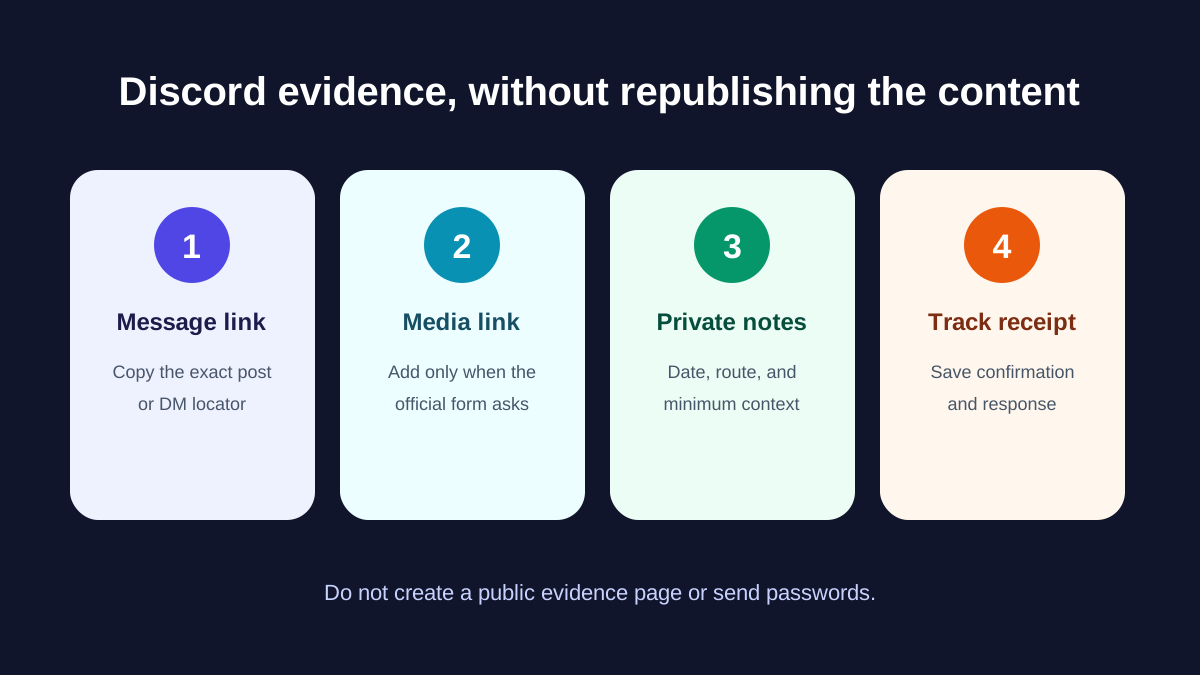
1. Copy the message link
On desktop, right-click the relevant message and choose Copy Message Link. On mobile, press and hold the message, then choose the same option. A message link identifies the server, channel, and message. Keep it private because anyone with access to that space may be able to open it.
2. Add the media link only when the form requests it
Discord’s current NCII instructions distinguish a message attachment from a third-party link or embedded item. For an attachment, use Copy Media Link on desktop or after a long press on mobile. For an embedded third-party item, the form may request both the media link and the message link.
3. Record context without downloading extra copies
- The date and time you discovered the item
- Whether it appears in a server, channel, or direct message
- The message link and any media link explicitly requested
- The reporting route used and confirmation number
Do not forward the material to friends for confirmation, post it on a public evidence page, or upload it to unrelated services. If immediate physical safety is at risk, use appropriate emergency or local support rather than waiting on a platform report.
4. Choose the right report
| Situation | Relevant Discord path | Important limit |
|---|---|---|
| Adult intimate media shared without consent | NCII safety report; eligible U.S. reporters may also use Discord’s published TIDA webform | Discord reviews eligibility and controls action |
| Your copyrighted creator work was copied | Copyright report | Only claim rights or authorization you actually have |
| Threat or other policy violation without posted media | Standard in-app safety report | Describe the actual violation; do not use an unrelated category |
5. Save the receipt and track each item separately
Save the confirmation email or reference number, submission date, exact locator, and response. Discord states that its U.S. TIDA form accepts one report per piece of media, so do not assume one receipt covers every repost. Avoid duplicate submissions for the same issue unless the official instructions or a response tells you to resubmit.
Current Discord references
- Discord’s NCII reporting instructions explain content and message-link collection.
- Discord’s NCII policy explainer covers prohibited adult intimate media and in-app reporting.
- Discord’s content-location guide lists message, attachment, profile, and server identifiers for IP claims.
Want help preparing a focused Discord report?
Review our service scope, limitations, and privacy-safe intake path before sharing any case details.
Review Discord leak removal support →About the Author
Marcus covers the intersection of technology and privacy, with a focus on AI-generated content and emerging threats. He helps readers understand their options when facing online harassment.